◆ SOCIAL MEDIA SCHEDULER
A social media scheduler that does not need you to fill it.
Three platforms, one queue.
Every social media scheduler holds posts until a time you choose. This one writes them first — captions, images and video built from your own website — then schedules and publishes them to Instagram, TikTok and X.
A scheduler is a container, and the awkward truth about containers is that they only help once you have something to put in one. Ask why an account has been quiet for six weeks and the answer is almost never that the scheduling was hard. It is that nobody made anything. That is why a business can buy a calendar, fill it enthusiastically for a fortnight, and be back to an empty queue by the second busy week — the tool solved the timing and left the work exactly where it was. PostOtter starts one step earlier: give it your website and the week arrives already written, rendered and placed, with every post editable before it goes anywhere.
What social scheduling looks like here
The queue arrives full
Posts are generated ahead of you rather than waiting for you, so a week where you were busy costs you nothing. You approve less, not post less.
Three platforms, written separately
Instagram, TikTok and X each get copy in their own register, not one caption pasted three times. Instagram and TikTok get daily video; X gets images.
Published, not reminded
Posts go out through the official platform APIs at the scheduled time. No notification telling you to go and finish the job by hand.
Your own posts welcome too
Already have a caption and an image? Schedule those. The generation is there for the days you have nothing, not a condition of using the scheduler.
Everything editable first
Rewrite the copy, swap the media, move the day, or skip it. Nothing publishes that you could not look at first.
One price for all three
$14.99 a month covers every platform, where per-channel pricing elsewhere reaches that for scheduling alone. First week free, no card to start.
Tools for social media scheduling, compared honestly
Everything here schedules well, including the native tools, which are free. The difference is who produces the thing being scheduled, and how many platforms one subscription covers.
| PostOtter | A typical social media scheduler | |
|---|---|---|
| Who makes the post | Written and rendered for you | You make it |
| Your job each day | Approve or edit | Create, then queue |
| A week you are busy | Queue still fills | Queue runs dry |
| Schedule your own posts | Yes, fully supported | Yes — that is the product |
| Platforms covered | Instagram, TikTok and X | Varies; often priced per channel |
| Publishing | Direct via official APIs | Direct, or a phone reminder |
| Editable before it goes | Every post | Every post |
| Price | $14.99/mo, first week free | Free (native) to ~$15+/channel |
Compared against the category rather than one product, because feature sets and prices move. Checked 2026-09-23.
What a social media post scheduler actually solves
It is worth being precise, because the category is sold as though scheduling were the whole job. A scheduler moves work in time. It takes a post that already exists and holds it until Wednesday morning so you are not opening an app at 8am. That is genuinely useful: it protects your attention, it keeps posting times consistent, and it means a holiday does not create a gap.
What it does not do is reduce the amount of work. You still decide the idea, make the image or film the video, write the caption, and judge whether it is good enough. The scheduler's contribution begins after all of that is finished and lasts about ten seconds.
This matters when you are choosing one, because the failure you are trying to prevent — the account going quiet — is almost never caused by bad timing. It is caused by the making stopping. A tool that only schedules cannot help with that, however good its calendar is.
Free social scheduling already exists
Any honest page in this category has to say this. Instagram schedules posts in-app, Meta Business Suite schedules for Instagram and Facebook, and TikTok and X have their own scheduling built in. All of it is free. If you already produce content and only need it queued, the native tools will serve you perfectly well and there is no reason to buy a social scheduling tool on top of them.
Their real limitation is coverage rather than capability. Each one handles its own platform, so running three accounts means three tools, three calendars and three routines to remember. That is the gap most paid schedulers are sold into, and for a lot of businesses it is a fair reason to pay — one calendar instead of three is worth something.
It is still not the gap that empties accounts, though. Free scheduling has been available for years and grids still run dry, because every one of these tools starts from a finished post.
Where the posts come from
You give it your website address. It reads the site the way a prospective customer would — what you sell, who it is for, the language you use about yourself, your colours and logo — and keeps that as a working profile. Every post is written against that profile, so a dog groomer gets posts about dog grooming and a project-management app gets posts about project management rather than interchangeable filler.
From there it writes the day's post and produces the media: vertical video for Instagram and TikTok, images for X, in your own palette and type. Because the media is generated rather than pulled from a stock library, a post can be about something specific — a service you offer, a question customers keep asking, something people commonly get wrong about your field.
Nothing is fabricated. Posts are built only from what your site actually says. It will not invent a customer, a testimonial or a statistic to make a post land harder.
Using it as a plain scheduler for your own posts
Plenty of people arrive here with the opposite problem to the one above: they already make content and simply want somewhere sensible to queue it across three platforms. That works, and it is a first-class use rather than a workaround.
Write your own caption, upload your own image or video, choose a time, and it publishes. No generated content is involved, and the same editing and skipping controls apply. You can mix the two freely — your own posts on the days you have something, generated ones on the days you do not.
This is the part most tools in the category get backwards. Generation should widen what a scheduler can do for you, not become a condition of using it.
What the posts look like
Video is true 9:16, never a landscape clip with bars added. The day's message carries as on-screen copy in your own brand, moving enough to hold attention through the first second without the jittery motion that makes automated video obvious. Posts are also written to work muted, which is how a great deal of in-feed watching happens.
Photo days publish as native carousels on the platforms that support them, so the feed is not one repeating shape. On X, images rather than video, because that is what actually travels there.
None of it is fixed once made. Every post sits in the queue editable before it publishes, and skipping one does not shuffle the rest of the week along.
Who this suits, and who it does not
It suits anyone whose account is quiet for want of content: a bakery that has never filmed anything, a physiotherapist with no gap between appointments, a small app whose best visual is a screen nobody has seen, an agency running accounts for clients who never send material.
It does not suit you if social is your craft. If you are a creator whose face and editing are the product, generated posts are not what you want and a plain scheduler will serve you better. It also will not chase trends — it posts steadily about what you do rather than reacting to whatever broke on the For You page overnight.
The honest test: if your account has gone weeks without a post because nothing got made, this addresses the cause. If your account is already active and you only want it queued further ahead, the free native tools are enough.
◆ MADE BY POSTOTTER, FOR POSTOTTER
Real posts on our own accounts. Your free week looks like this.
Same brand, three different posts. Instagram and TikTok share the render; the captions don't. Each one is written native to the platform it's on, and the hashtags are weighted the way that platform's discovery actually works. That is why Instagram gets ten and X gets two.
Here is the plain version of what PostOtter does. 1) You drop in your website URL. PostOtter reads it to learn your brand voice, what you sell, and how you talk. 2) You connect your accounts. Instagram, TikTok, and X. That is it.
#socialmediamanager#marketingautomation#smallbusinessowner#solopreneur#founderlife#brandvoice#instagramreels#tiktokmarketing#PostOtter#PostOtterAISee it on InstagramYou're juggling a line out the door, and your “scheduler” is still waiting for you to write the post. That is not help. PostOtter learns your brand voice from your website, then creates, schedules, and publishes a post every day to X, Instagram, and TikTok.
#socialmediamarketing#smallbusinessowner#solopreneur#contentmarketing#instagramreels#tiktokmarketing#marketingautomation#PostOtterSee it on TikTok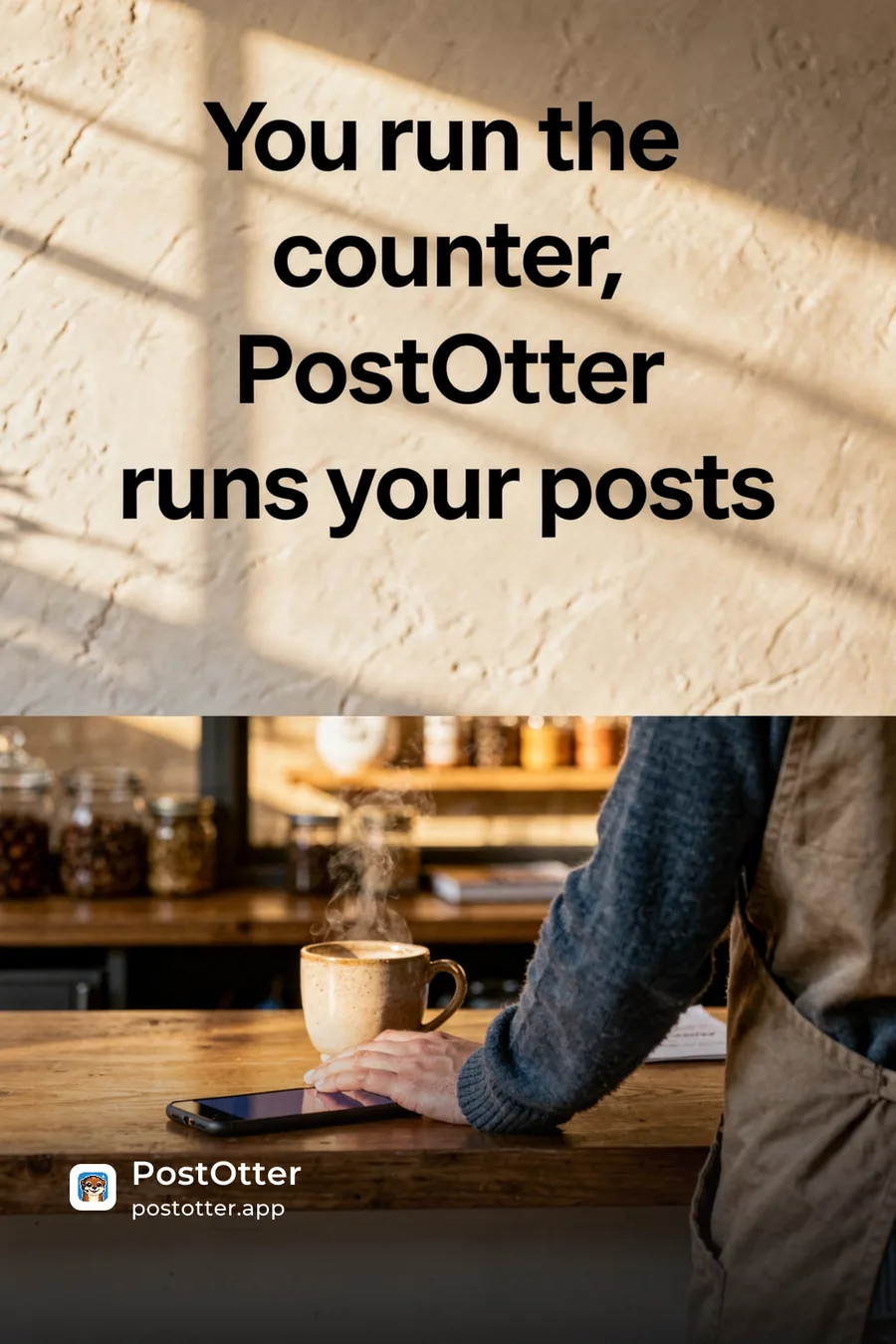
You open a scheduler and it just stares back, waiting for a caption you don't have. So you post nothing. Again. PostOtter isn't a scheduler—it creates, schedules, and publishes daily to X/IG/TikTok (images + real Reels/TikTok video). Try it today.
#smallbusinessowner#PostOtterSee it on Xwe didn't lift a finger: no captions written, no hashtags picked, no content made, no times set, nothing published by hand
but every one of them was ours to change first: rewrite the caption, swap the hashtags, upload your own photo or video, move it to another day. and so is every post you get.
◆ RELATED
Your week, filled in before you ask.
PostOtter learns your brand from your website, then writes the captions, makes the images and video, and posts every day. First week free, no card.
◆ PRICING
One plan. No tiers, no add-ons.
The smartest employee you'll never have to manage.
Autopilot
One brand. Three platforms. Every single day.
first week free
≈ 50¢ a day · a post every day
EVERYTHING INCLUDED
no card to start · cancel anytime

◆ THAT’S THE WHOLE PITCH
Give it your website.
The first week is free.
A post a day on Instagram, TikTok and X, written and scheduled from your own site. $14.99/month after the trial, no card to start, cancel anytime.
◆ QUESTIONS
Social media scheduling questions
What is a social media scheduler?
A post scheduler holds content you have written and publishes it at a time you choose, usually across several platforms from one calendar. It solves timing and consistency: you prepare content when it suits you, and it goes out when your audience is actually around. What a scheduler does not do is produce the post — that work stays with you unless the tool generates content as well.
Is there a free social media scheduler?
Yes, several, and they come from the platforms themselves. Instagram schedules in-app, Meta Business Suite covers Instagram and Facebook, and TikTok and X both have scheduling built in. All free. The trade is coverage: each of those is a single-platform social media scheduling app, so three accounts means three separate tools and three routines. PostOtter's first week is free too, but it is solving the different problem of making the posts.
Can I use it as a normal scheduler for posts I wrote myself?
Yes, and it is a proper supported use rather than a workaround. Bring your own caption and your own image or video, pick a time, and it publishes to Instagram, TikTok or X. You can mix your own posts with generated ones freely — yours on the days you have something ready, generated ones on the days you do not.
Does it post automatically or just remind me?
It publishes automatically through the official platform APIs at the scheduled time. There is no notification asking you to open an app and finish the job by hand, which is how some tools in this category work without saying so plainly on the pricing page.
Can I edit posts before they publish?
Every one of them. Rewrite the caption, swap the image or video, move it to a different day, or skip it entirely — and skipping does not shuffle the rest of the week along. Nothing publishes that you could not review first. If you would rather not approve each post individually, you can approve the account once and keep the right to edit or skip any single post.
How many platforms does one subscription cover?
Instagram, TikTok and X, all three for $14.99 a month, with a post a day on each. Per-channel pricing is common in this category and can reach that figure for scheduling a single platform.
How far ahead is the queue built?
A week at a time on a rolling basis, so there is always a week visible ahead of you rather than a cliff you walk off. Posts are placed at times that look like a person chose them rather than landing exactly on the hour.
Will the posts sound generic?
They are written from your own website's language rather than a generic template, so they reference what you actually sell and who buys it. Every post is editable before it goes out, and the profile it learned from is yours to correct if it has misread something.
What does it cost?
$14.99 a month for Instagram, TikTok and X together. The first week is free and there is no card required to start.