◆ INSTAGRAM POST SCHEDULER
An Instagram post scheduler that fills its own queue.
You approve. It does the rest.
Meta already lets you schedule Instagram posts for free. What no scheduler does is make the post — so PostOtter writes the caption, renders the Reel, and publishes it for you, every day, from nothing but your website.
Ask why an Instagram account went quiet and almost nobody says they forgot to schedule. They say they ran out of things to post. That is a content problem wearing a scheduling problem's clothes, which is why adding a calendar so rarely fixes it — the empty grid just moves the same decision to Sunday evening and asks you to make it seven times at once. PostOtter works the other way round: it reads your website, builds a picture of what you sell and who buys it, and arrives with the week already written and rendered. The only thing left is to look at it.
What you get on Instagram
A Reel a day, rendered for you
Vertical video built from your own brand — your palette, your type, your words — new every day. Nothing to film, no clips to licence, no editor to brief.
Carousels in the rotation too
Swipeable multi-image posts alternate with video, so the grid is not the same shape forever and the account reads like someone is running it.
The day's video goes to your Story
Each post is reshared to Stories automatically, which is the cheapest reach on the platform and the easiest thing to forget.
Captions written native to Instagram
Not one caption copied to three networks. Instagram gets the story-led version, with hashtags picked for the post rather than a saved block pasted underneath.
Published through the official API
Posts publish at the scheduled time via Instagram's Graph API. No phone notification telling you to go and finish the job by hand.
Nothing goes out unseen
Every post sits editable in the queue before it publishes. Rewrite it, swap the video, skip the day — or approve once and let the week run.
An Instagram scheduler vs one that makes the posts
Every tool here schedules well, including Meta's own, which is free. The difference is who produces the thing being scheduled.
| PostOtter | A typical Instagram scheduler | |
|---|---|---|
| Who makes the Reel | Rendered for you, new daily | You film and edit it |
| Who writes the caption | Written from your website | You write it |
| Your job each day | Approve or edit | Create, then queue |
| A week you are busy | Queue still fills | Queue runs dry |
| Carousels | In the rotation | Usually supported |
| Story reshare | Automatic | Manual, or unsupported |
| Publishing | Direct via Graph API | Direct, or a reminder |
| TikTok and X | Included | Often priced per channel |
| Price | $14.99/mo, first week free | Free (Meta) to ~$15+/channel |
Compared against the category rather than one product, because feature sets and prices move. Checked 2026-09-22.
Meta already lets you schedule IG posts, free
It is worth saying plainly, because a lot of tools in this category would rather you did not know. Instagram has in-app scheduling for professional accounts, and Meta Business Suite has scheduled posting for feed, Reels and Stories at no cost. If all you need is to write a caption on Sunday and have it publish on Wednesday, that is the whole job, and you should use it.
Its limits are real but narrow: it is clumsy on mobile, the planning view is thin next to a dedicated calendar, and it only covers Meta's own surfaces, so TikTok and X stay manual. Those are the gaps most third-party schedulers are sold into.
None of that is the reason accounts go quiet, though. Free scheduling has existed for years and the grid still runs dry, because every one of these tools — Meta's included — starts from a finished post. That is the gap worth paying to close, and it is the only one we are trying to close.
What an Instagram scheduling tool cannot do for you
People who set out to automate Instagram posts usually end up buying a scheduler, and a scheduler moves work in time rather than removing any. You still decide the idea, shoot or design something, write the caption, choose the hashtags and judge whether it is good enough to post. The tool's contribution is to hold it until Wednesday.
An Instagram auto poster is only an auto poster in the last ten seconds of the job. That is fine when the work before it is easy, and awful when it is not. For a bakery, a physiotherapist, a small app, the honest position is that nobody in the building wants to make a Reel on a Tuesday, and no amount of calendar UI changes that. The queue empties because the making stopped, not because the scheduling did.
PostOtter is the other half. It produces the post — copy and video — and hands the scheduler something to hold. If you already make plenty of content and only need it queued, you genuinely do not need this, and Meta's free tool will serve you better than anything you pay for.
Where the posts come from
You give it your website address. It reads the site the way a new customer would — what you do, who you do it for, the words you use about yourself, your colours and logo — and keeps that as a working profile. Every post is written against that profile, so a dog groomer gets posts about dog grooming and a project-management app gets posts about project management, not interchangeable small-business filler.
Then it writes the day's post and renders it as a real vertical video: your copy, your palette, motion tuned to hold an eye through the first second. Because the video is generated rather than assembled from stock clips, it can be about something specific — a service you offer, a question customers keep asking, a thing people get wrong about your field.
Nothing is fabricated. Posts are built only from what your site actually says. It will not invent a five-star review, a customer, or a statistic to make a Reel land harder.
What the Reels actually look like
True 9:16, never a landscape clip with bars. The message carries as on-screen text in your own brand, with movement calm enough that it does not read as machine-made. Carousel days publish as native multi-image posts instead.
They are also written to work muted, which is how a great deal of in-feed watching happens — the on-screen copy carries the idea on its own rather than depending on the sound being heard.
Nothing is fixed once it is made. Every Reel sits in the queue editable before it publishes: rewrite the copy, swap the video, move it to another day, or skip it. And if you already have a video of your own, you can schedule that instead and let the queue publish it.
Planning Reels without becoming a Reels planner
Most people who go looking for a Reels planner are not trying to plan. They are trying to stop the weekly panic about what the Reel is going to be. A planner gives you a grid to arrange the panic in; it does not answer the question.
Here the week arrives already answered. Seven posts, each about something specific to your business, sitting in date order where a planning calendar would be — so you can see the shape of the week, move a post, rewrite one that misses, and delete one that does not fit. That is the planning surface, and you only ever edit against something that already exists rather than against an empty box.
The mix is handled as part of it. Reels most days, carousels through the week, and the day's video pushed to Stories, so the account does not settle into one repeating format the way a manually-kept queue tends to.
Instagram is one of three
The same engine writes and publishes to TikTok and X on the same day, each in that platform's own register rather than one caption reposted three times. Instagram and TikTok get daily video; X gets images, because that is what actually travels there.
One price covers all three — $14.99 a month, where per-channel pricing elsewhere reaches that for scheduling alone. The first week is free and there is no card to start.
◆ MADE BY POSTOTTER, FOR POSTOTTER
Real posts on our own accounts. Your free week looks like this.
Same brand, three different posts. Instagram and TikTok share the render; the captions don't. Each one is written native to the platform it's on, and the hashtags are weighted the way that platform's discovery actually works. That is why Instagram gets ten and X gets two.
Here is the plain version of what PostOtter does. 1) You drop in your website URL. PostOtter reads it to learn your brand voice, what you sell, and how you talk. 2) You connect your accounts. Instagram, TikTok, and X. That is it.
#socialmediamanager#marketingautomation#smallbusinessowner#solopreneur#founderlife#brandvoice#instagramreels#tiktokmarketing#PostOtter#PostOtterAISee it on InstagramYou're juggling a line out the door, and your “scheduler” is still waiting for you to write the post. That is not help. PostOtter learns your brand voice from your website, then creates, schedules, and publishes a post every day to X, Instagram, and TikTok.
#socialmediamarketing#smallbusinessowner#solopreneur#contentmarketing#instagramreels#tiktokmarketing#marketingautomation#PostOtterSee it on TikTok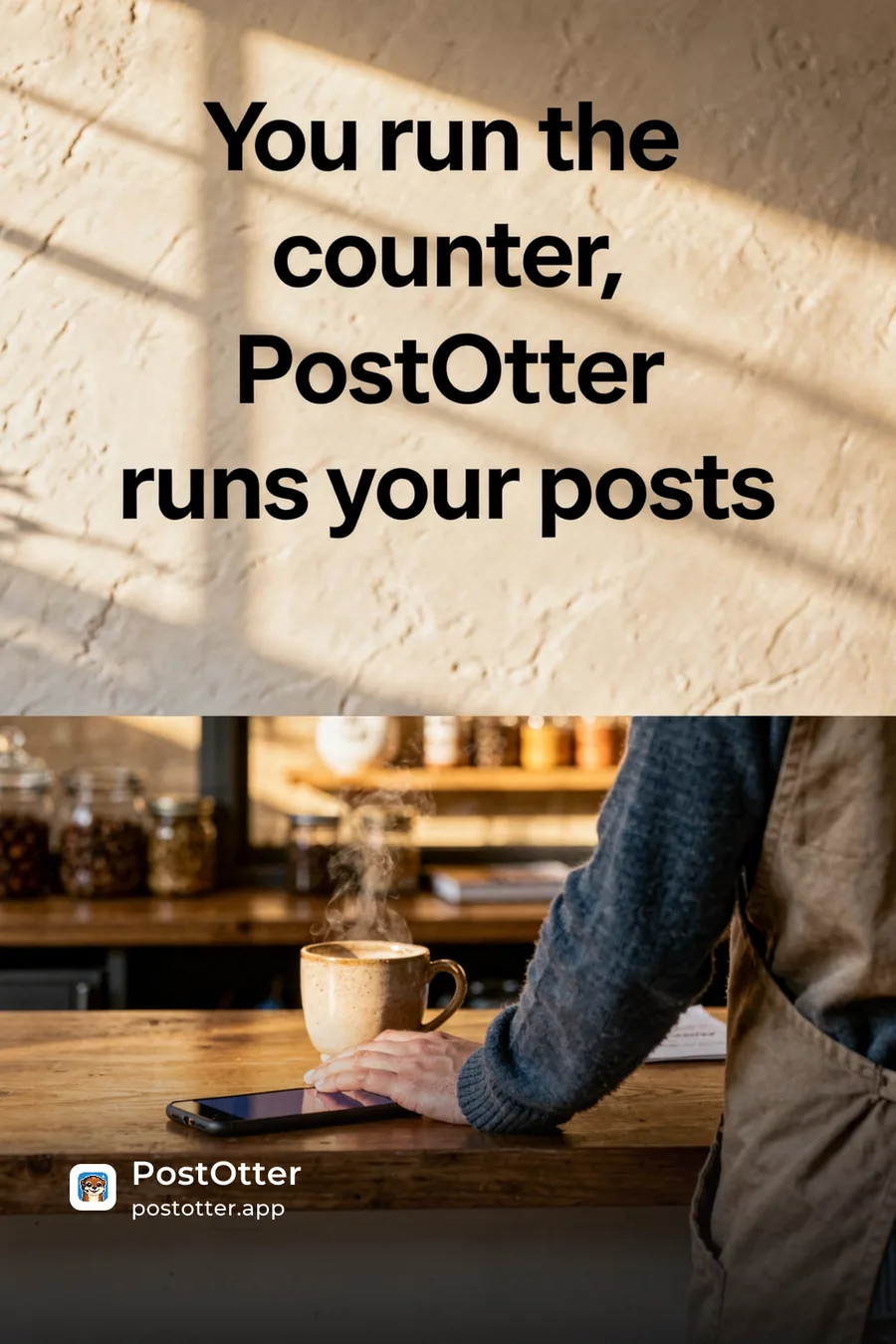
You open a scheduler and it just stares back, waiting for a caption you don't have. So you post nothing. Again. PostOtter isn't a scheduler—it creates, schedules, and publishes daily to X/IG/TikTok (images + real Reels/TikTok video). Try it today.
#smallbusinessowner#PostOtterSee it on Xwe didn't lift a finger: no captions written, no hashtags picked, no content made, no times set, nothing published by hand
but every one of them was ours to change first: rewrite the caption, swap the hashtags, upload your own photo or video, move it to another day. and so is every post you get.
◆ RELATED
Your week, filled in before you ask.
PostOtter learns your brand from your website, then writes the captions, makes the images and video, and posts every day. First week free, no card.
◆ PRICING
One plan. No tiers, no add-ons.
The smartest employee you'll never have to manage.
Autopilot
One brand. Three platforms. Every single day.
first week free
≈ 50¢ a day · a post every day
EVERYTHING INCLUDED
no card to start · cancel anytime

◆ THAT’S THE WHOLE PITCH
Give it your website.
The first week is free.
A Reel a day on Instagram, written and rendered from your own site, published for you. $14.99/month after the trial, no card to start, cancel anytime.
◆ QUESTIONS
Instagram scheduling questions
Can I schedule Instagram posts for free?
Yes. Instagram's in-app scheduling for professional accounts and Meta Business Suite both do it at no cost, covering feed posts, Reels and Stories. If you already have the content and just need it queued, use those. PostOtter is for the case where the content itself is what is missing.
Does it post automatically, or send me a reminder?
It publishes automatically through Instagram's Graph API at the scheduled time. There is no notification asking you to finish the post by hand.
Can it schedule Reels and carousels, not just single images?
Yes. Reels are the default daily format, with swipeable carousels mixed through the week so the grid is not one repeating shape. The day's video is also reshared to your Story.
Do I need an Instagram Business or Creator account?
Yes — API publishing requires a professional account connected to the app. Meta's own scheduling tools have the same requirement.
Will the posts sound like a robot wrote them?
They are written from your own website's language rather than from a generic template, and every post is editable before it goes out. You can rewrite anything you do not like, and the profile it learned from is yours to correct.
Can I schedule IG posts from my phone?
Yes. PostOtter runs in the browser on a phone, so reviewing, editing or skipping the week works from anywhere. Meta's own tools are workable on mobile but easier on desktop.
How far ahead is the queue built?
A week at a time on a rolling basis, so there is always a week visible ahead of you rather than a cliff. You can move or skip any post without shuffling the rest.
What does it cost?
$14.99 a month for Instagram, TikTok and X together — a post a day on each. The first week is free, no card required.